
Job posting SEO means making each driver opening easy for Google, and for drivers typing into Google, to find and understand. For a FedEx Service Provider, that comes down to three things: a specific posting for each role, structured data Google can read, and a listing that is removed or updated when the job is filled. You can do this on your own careers page. You also reach drivers who are already looking for FedEx work by listing on UCEP, the job board built only for FedEx-contracted Service Providers, which our team runs for linehaul, CDL-A team, CDL-A solo, and pickup and delivery roles.
This guide covers what Google requires, how to write postings that match driver searches, and how to measure the result. If you are a driver, the last section explains how to read a posting so you can judge it quickly.
TL;DR
- Give every opening its own page, with a specific title, location, pay and schedule, instead of one general "Drivers Wanted" page.
- Add JobPosting structured data to each single-job page. Google lists required fields, including datePosted, description, hiringOrganization and jobLocation.
- Expire filled jobs promptly. Google says postings no longer open must be marked expired or removed.
- Track impressions, clicks, applications and qualified applicants per source, not applicant volume alone.
- A listing on UCEP puts the role in front of FedEx-experienced drivers directly while your own pages build search visibility.
Table of Contents
- How drivers search, and why it shapes your posting
- Write the posting itself
- JobPosting structured data: what Google requires
- Keep postings accurate: expiry and removal
- Local search: one page per terminal and role
- Why your own site is not the only channel
- Timing and compliance
- Measure what the posting does
- Perspective
- Post your first listing
- For drivers: reading a posting quickly
- FAQ
- Sources
How drivers search, and why it shapes your posting
Drivers do not search for "jobs." They search for a lane type, a license class, a home-time pattern and a place. Examples include "CDL-A solo linehaul," "FedEx pickup and delivery driver near me" and "CDL-A team driver home weekly." A posting that names those details matches the search. A posting that says only "We are hiring drivers" does not.
That is the core of job posting SEO for trucking: the words in your posting should be the words a driver would type. Your terminal city, the route type, the equipment, the schedule and the pay belong in the title and the first lines of the description, not buried in a PDF or a form.
For FedEx Service Providers, the four role types you hire for are already distinct search topics:
| Role | What drivers look for | Details to state |
|---|---|---|
| Pickup and delivery | Local routes, daily home time | City or service area, route hours, vehicle type, start time |
| CDL-A solo linehaul | Long-haul or regional runs, one driver | Lanes, miles, home-time pattern, equipment |
| CDL-A team linehaul | Two-driver trucks, high miles | Team pay split, lanes, time out, equipment |
| Linehaul (non-CDL-A or mixed) | Scheduled runs between terminals | Terminal, shift, schedule |
If you are unsure which titles drivers use, our truck driver job titles guide lists the common ones. Use the title drivers recognize, not an internal code.
Write the posting itself
Structured data does not replace good copy. Google reads the visible page, and so do drivers. Build each posting in this order:
- Title. Role, license class and location. "CDL-A Solo Linehaul Driver, Memphis, TN" is clearer than "Driver Opportunity."
- First paragraph. Route type, schedule, home time and pay, in plain sentences.
- Pay. State the rate or range. Our guide on salary transparency in FedEx driver postings explains how to present it.
- Requirements. License class, endorsements, experience, and any screening steps.
- Responsibilities and equipment. What the driver does day to day and what they drive.
- How to apply. One short, mobile-friendly step. Many drivers apply from a phone between stops.
Our driver job description template follows this structure for CDL and delivery roles, so you can fill in your own details instead of starting from a blank page.
Two habits cost visibility. The first is copying the same text into every posting for every terminal, which gives Google and drivers nothing that tells one page from another. The second is leaving a posting online for months without edits. Update the pay, the date and the details when they change, and remove the posting when the seat is filled.
JobPosting structured data: what Google requires
Structured data is a block of code on the page that labels the facts in a posting so Google can read them reliably. Google's documentation explains that JobPosting structured data makes a posting eligible for a job-search experience where people can filter by criteria such as location or job title. It gives your opening another route to discovery and clicks.
The key rules from that documentation:
- Put it on the single-job page. Markup belongs on the most detailed page for one job, not on a list page that shows many jobs.
- Required properties. These include datePosted in ISO 8601 format (for example, 2026-11-19), a full HTML description, hiringOrganization (your company name), and jobLocation with addressCountry.
- The description cannot just repeat the title. It should include responsibilities, qualifications, skills, hours and experience requirements.
- Keep the page open to Google. Do not block it with robots.txt, a noindex tag or a login wall.
- Validate it. Test the markup with Google's Rich Results Test before you publish.
If you post through an applicant tracking system or job board, Google states on its jobs page that ATS providers, job boards and employers can use job posting structured data to integrate directly. Google then continues to pull new jobs as they are added.
One caution for multi-terminal Service Providers: list the real work location for each opening. If a role covers several locations, Google allows multiple locations in an array. Do not list a city where the driver will not work.

Keep postings accurate: expiry and removal
A filled job that stays online sends drivers to a dead end, and Google treats it as a quality problem. According to Google's job posting documentation, a job that is no longer open should be expired by one of three methods: set validThrough to a past date, remove the page so it returns a 404 or 410 status, or remove the JobPosting structured data. The same page says failing to act in time may result in a manual action against the site.
The same documentation sets these rules:
- Use validThrough, in ISO 8601 format, only for postings that have an expiration date. Leave it out if the job never expires.
- If the job is filled before its expiration date, remove the posting.
- Write employmentType with the exact, case-sensitive values Google lists, such as FULL_TIME, PART_TIME or CONTRACTOR.
For a Service Provider with steady driver turnover, build removal into the hiring routine. When you extend an offer to the last open seat, close the posting that day. Google also recommends the Indexing API to request removal, because it prompts Googlebot to crawl sooner than a sitemap update does.
Local search: one page per terminal and role
Driver searches are local. A driver in Columbus wants the Columbus terminal, not a national page. Practical steps:
- Give each terminal or hiring area its own page that names the city, the address or service area, and the roles open there.
- List each open role on its own page, linked from the terminal page.
- Keep the phone number, hours and pay consistent across pages.
- Make the application short enough to finish on a phone.
These are widely shared recruiting-SEO practices rather than Google rules, so treat them as good structure, not requirements. If you need a model, our trucking careers page examples show six layouts recruiters can copy.
Drivers also check what current and former drivers say about a company. UCEP includes employer and terminal directories and internal reviews from drivers and Service Providers, so a Service Provider's profile can carry that reputation signal alongside its openings.
Why your own site is not the only channel
SEO on your own careers page takes time. A new page must be crawled, indexed and trusted before it ranks, and national job sites with heavy traffic often sit above a small operator's page for the same search. Search is a long-term channel, and you will still have seats to fill this month.
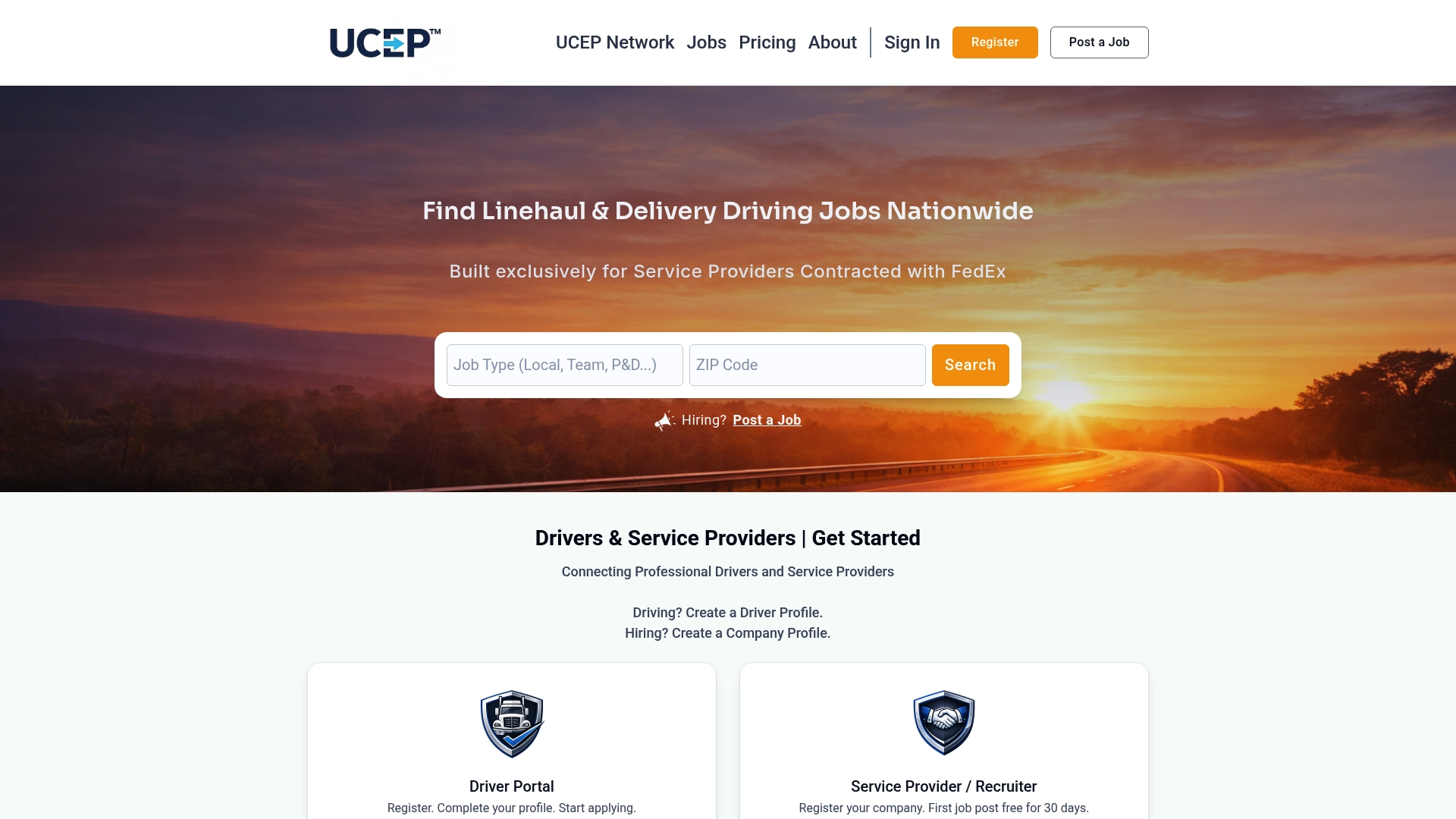
That is where a dedicated board fits. UCEP is built exclusively for Service Providers contracted with FedEx, with nationwide listings for CDL-A team, CDL-A solo, linehaul, and pickup and delivery roles. Drivers who open it are already looking for FedEx-related work, so your posting does not have to compete with unrelated listings. The built-in applicant tracking system keeps applications in one place, and targeted driver alerts notify drivers about new roles.
The two channels support each other. Write the posting once with the structure above, publish it on your careers page with structured data, and list it on UCEP.
Timing and compliance
When you publish matters for how quickly applicants respond. Our analysis of the best time to post trucking jobs covers posting windows and response speed. Before you publish, check the ad against federal and state rules for job advertising. Our driver job ad compliance checklist lists three checks for U.S. employers. For a legal question about a specific posting, ask your employment attorney.
Measure what the posting does
Track results by source, not just by total applicants. A short list is enough:
- Impressions and clicks from Google Search Console for each job page.
- Application starts and completions. A big gap means the form is too long.
- Qualified applicants. Count the people who hold the right license and meet your screening rules.
- Hires and 90-day retention by source.
The number that matters is cost per qualified applicant: channel spend divided by qualified applicants from that channel. A source with a cheap applicant but few qualified ones can cost more per good hire than a pricier source with better matches. Compare your careers page, your listings and any paid campaigns on the same basis. You can only run this comparison if applications are logged by source, which is why an applicant tracking system helps.
Perspective
Most of the Service Providers we work with have the same problem: open seats now, and a careers page that has not yet earned its place in search. Both problems are real, and they have different fixes.
The slow fix is the one in this guide. Specific titles, honest pay, one page per role and clean structured data take weeks to show up in search, and they keep working after that.
The fast fix is to post where FedEx-experienced drivers already look. UCEP is built only for FedEx Service Providers, and we reach 140,000+ FedEx-experienced drivers. That focus is why we organize listings by role type: pickup and delivery, CDL-A solo linehaul and CDL-A team linehaul.
Do both. Write each posting well once, and the same text serves your site and your UCEP listing.
Aaron
Post your first listing
UCEP offers a Complimentary Trial Listing for new recruiters, so you can see how a driver-focused listing performs before you commit. The Standard Monthly Plan is $99 per month. Plan details are on the UCEP pricing page, and the live roles drivers see are on the job listings page.
For drivers: reading a posting quickly
If you are a driver searching for FedEx work, the same details that help a posting rank also help you judge it. A good posting names the route type, the license class, the home-time pattern, the pay and the location. If one of those is missing, ask before you apply. Our guide to priority filters for finding FedEx jobs shows how to narrow results in about ten minutes, and the nationwide trucking job search guide covers the wider search. Keep your resume current too: see how to update a truck driver resume.
FAQ
Do I need a developer to add JobPosting structured data?
Not always. If your careers page or applicant tracking system already outputs the markup, you only need to confirm it. Otherwise a web developer can add it to each job page. Test the result with Google's Rich Results Test before you publish.
What should a driver job title include?
Use the role, the license class and the location, for example "CDL-A Team Linehaul Driver, Louisville, KY." Avoid internal codes, slogans and all-caps phrases. Drivers search for plain role names, and Google reads the title as a main signal of what the page is about.
How long should a driver posting stay online?
Only while the seat is open. Google says jobs no longer open for applications must be marked expired by setting validThrough to a past date, returning a 404 or 410, or removing the structured data. Close the posting the day the position is filled.
Is SEO enough to fill driver openings?
SEO builds steady, lower-cost traffic over time, but it takes weeks or months to rank. Many Service Providers pair it with a listing on a board where FedEx drivers already search, so open seats get applicants while the site builds visibility.
Sources
- Google Search Central: JobPosting structured data
- Google Search Central: Job posting structured data for Job Search (removal and expiry)
- Google: Job Search on Google