
Most trucking companies are not required to use E-Verify. Federal law makes participation voluntary for most employers. It becomes mandatory in three situations: your contracts include a federal E-Verify clause, your state requires it, or you chose to enroll and signed the program agreement. This guide covers each situation, how to enroll, how to run a case for a new driver, and the mistakes to avoid. It is written for FedEx-contracted Service Providers and other carriers that hire CDL-A and pickup and delivery drivers.
TL;DR
- E-Verify is a free, web-based system that checks a new hire's Form I-9 information against Department of Homeland Security (DHS) and Social Security Administration (SSA) records. It does not replace Form I-9.
- It is voluntary for most employers. It is required for employers with covered federal contracts and for employers in states with their own mandates.
- Once enrolled, you must create a case for each new hire by the third business day after the employee starts work for pay.
- Use it for every new hire, never selectively and never to prescreen applicants.
- Check your contracts and your state's rules before you hire at scale, especially if drivers work in more than one state.
Table of Contents
- What E-Verify is and how it differs from Form I-9
- Do trucking companies have to use E-Verify?
- How to enroll in E-Verify
- Creating a case for a new driver
- What happens with a Tentative Nonconfirmation
- Rules and mistakes to avoid
- Downsides to weigh
- Our perspective
- Find FedEx-experienced drivers on UCEP
- Quick checklist for your hiring file
- FAQ
- Sources
What E-Verify is and how it differs from Form I-9
E-Verify is a free, web-based system that confirms a newly hired employee's eligibility to work in the United States. It does this by matching information from the employee's Form I-9 against SSA and DHS records.
Form I-9 is different. Every employer must complete it for every new employee. E-Verify is an additional electronic check that happens after the form is done. The two differ in a few ways that matter to a carrier:
| Point | Form I-9 | E-Verify |
|---|---|---|
| Who must use it | All employers | Voluntary for most employers; mandatory in some cases |
| Social Security number | Not required on the form | Required from the employee |
| Identity documents | Employee chooses from the acceptable lists | Any List B identity document must include a photo |
| Reverification of expired work authorization | Used for reverification | May not be used to reverify |
E-Verify does not replace the requirement to complete and keep Form I-9 for each new employee. If you enroll, you do both.
For drivers, one detail is worth knowing. A driver who shows a state driver's license as the List B document is showing a photo ID, which fits the E-Verify photo requirement. Your onboarding steps should still follow the official Form I-9 instructions, not a shortcut built around the CDL.
Do trucking companies have to use E-Verify?
There is no blanket federal rule for trucking. Three paths can make E-Verify mandatory for a carrier.
Path 1: Federal contracts with the FAR E-Verify clause
Federal contractors must use E-Verify if their contract includes the Federal Acquisition Regulation (FAR) E-Verify clause. A contractor whose contract does not contain that clause is not required to join.
A contract qualifies for the clause when it meets all three of these conditions:
- It is worth more than $150,000.
- Its performance period is 120 days or more.
- It includes work performed in the United States.
Two more rules matter for carriers that work as subcontractors:
- A prime contractor with the clause must require subcontractors to use E-Verify for services or construction valued over $3,500 that include U.S. work.
- Contracts for only commercially available off-the-shelf (COTS) items and related services are exempt.
If your contract does include the clause, new federal contractor participants must enroll within 30 days of the contract award. Read the contract language for the clause itself. Do not assume that having a large customer means you are covered, and do not assume you are exempt. If the wording is unclear, ask your contracting counterpart or an employment attorney.
Path 2: State mandates
Federal enrollment is generally voluntary, but some states have enacted their own mandates requiring certain or all employers to use E-Verify. Arizona's law, for example, made E-Verify mandatory for all new hires, and South Carolina and Mississippi adopted mandatory employer-verification measures. The American Immigration Council notes that Arizona, Florida, and Georgia have enacted mandatory laws.
State laws change, and many apply by employer size or industry. Check your state labor department or a qualified attorney for the current rule in every state where you hire. This matters most for carriers with terminals or drivers in several states, because a mandate in one state can apply to your hires there even if you have never enrolled anywhere else.
Path 3: Voluntary enrollment
Some carriers enroll even when no rule requires it. They do it to standardize one process across all terminals, or because a customer or insurer prefers it. If you enroll voluntarily, the same program rules apply to you as to a mandated employer.
How to enroll in E-Verify
Enrollment is an online process. Employers provide basic company contact information, agree to follow program rules, and sign a Memorandum of Understanding (MOU) with DHS.
Before you start, get these in order:
- Decide who runs it. Name one or two people in HR or dispatch administration who will create cases. Limit access to those people.
- Confirm your hiring entities. If you operate under more than one legal entity or contract, decide which ones enroll.
- Read the MOU. It sets the rules you agree to follow. Share it with whoever signs for the company.
- Write your hiring procedure. Add E-Verify to your onboarding checklist, after Form I-9 and before the driver's first dispatch.
The MOU commits you to following program rules. Violating them can create legal risk, so treat the document as a compliance obligation and not as a formality.
Creating a case for a new driver
The timing rule is simple. Participants must create a case for each new hire no later than the third business day after the employee starts work for pay.
A workable sequence for a carrier looks like this:
- Offer and accept. The driver accepts the job. Do not run E-Verify at this stage.
- Complete Form I-9. The driver completes Section 1 no later than the first day of work for pay. You complete Section 2 within the I-9 deadline, after reviewing the documents.
- Create the case. Enter the Form I-9 information into E-Verify by the third business day after the start date.
- Record the result. Save the case result with the driver's file along with the Form I-9.
- Handle any mismatch. If the system does not confirm the driver right away, follow the steps in the next section.
For high-volume hiring, such as a seasonal surge in pickup and delivery drivers, build the case step into the same day as orientation. Late cases are one of the most common compliance gaps.
What happens with a Tentative Nonconfirmation
A Tentative Nonconfirmation (TNC) happens when the employee's information does not match government records. A TNC is not a final finding that the driver is unauthorized to work. The employer must notify the employee and allow the employee to contest the mismatch.
Practical points for your dispatch and HR teams:
- Tell the driver privately and promptly, in a language the driver understands.
- Give the driver the chance to decide whether to contest. Do not decide for the driver.
- Do not fire, suspend, delay training, or cut pay because of a TNC while the driver is contesting it.
- Keep the paperwork in the driver's file.
Many TNCs come from data errors: a name change, a typo, or an outdated record. The best defense is accurate data entry. Compare what you enter against the Form I-9 before you submit.
Rules and mistakes to avoid
The most important restriction is on who you check and when. Employers are prohibited from using E-Verify selectively or to prescreen job applicants.
In practice, this means:
- Check every new hire. Do not run cases only for drivers who you think might have a problem. That is selective use.
- Never run it on applicants. A case begins after hire and after Form I-9, not during recruiting. Keep E-Verify out of your job ads and screening calls. If you are reviewing your ads, see our guide to driver job ad compliance.
- Do not use it to reverify. E-Verify may not be used to reverify expired employment authorization.
- Do not skip Form I-9. It stays required, and each form must be retained.
- Do not miss the three-day window. Set a calendar reminder tied to each driver's start date.
E-Verify is one of several verification duties a carrier carries. Medical cards, drug tests, and motor vehicle records each have their own rules. For a look at the other checks a fleet must keep in order, see this overview of FMCSA verification duties for fleets. On the hiring side, our pages on DOT medical exam requirements, CDL drug testing for hiring, and MVR reports cover the rest of a compliant onboarding file.
Downsides to weigh
The system is free, but it is not frictionless. The American Immigration Council observes that state-level mandates create a fragmented regulatory landscape and add administrative burden for businesses operating across several jurisdictions. It also notes that compliance with changing state mandates can be a significant burden for small businesses.
For a small Service Provider, these are the real costs:
- Staff time. Someone must run cases within three business days, resolve TNCs, and keep records.
- Training. Anyone creating cases needs to know the rules, including the ban on selective use.
- Multi-state complexity. A driver base spread over several states may face different rules in each.
- Process discipline. Skipped or late cases are easy to make during busy hiring weeks.
The benefit is a consistent, documented process. If your contracts or state require it, the choice is made for you. If not, weigh the administrative load against your hiring volume and talk to counsel.
Our perspective
We work with FedEx-contracted Service Providers that hire linehaul, CDL-A team, CDL-A solo, and pickup and delivery drivers. The compliance questions we see are rarely about whether the rules exist. They are about where in the hiring flow each check belongs.
Our view is that E-Verify works best when you treat it as one step in a fixed onboarding order. Recruiting and screening come first, with the DOT-specific checks that apply to the role. Then the offer. Then Form I-9. Then, if you are enrolled, the E-Verify case. Keeping recruiting separate from E-Verify prevents the most common error, which is using it as a screening tool.

We also think Service Providers should read their own contracts instead of relying on what another carrier does. Whether the federal clause applies depends on the contract terms, and whether a state mandate applies depends on where the driver is hired. Neither is something a job board can decide for you. A written hiring checklist, reviewed by an employment attorney, closes most of the gap.
Finally, plain job ads help. Accurate listings, clear pay and application forms that match your process make the later steps simpler. Our guides on pay transparency, application form fields, and common hiring mistakes cover that front end.
— Aaron
Find FedEx-experienced drivers on UCEP
E-Verify starts after you hire, so the first task is finding the driver. UCEP is a job board built only for Service Providers contracted with FedEx. You can post linehaul, CDL-A team, CDL-A solo, and pickup and delivery roles and reach FedEx-experienced drivers in one place. Our platform includes a built-in applicant tracking system, targeted driver alerts, and company profile management.
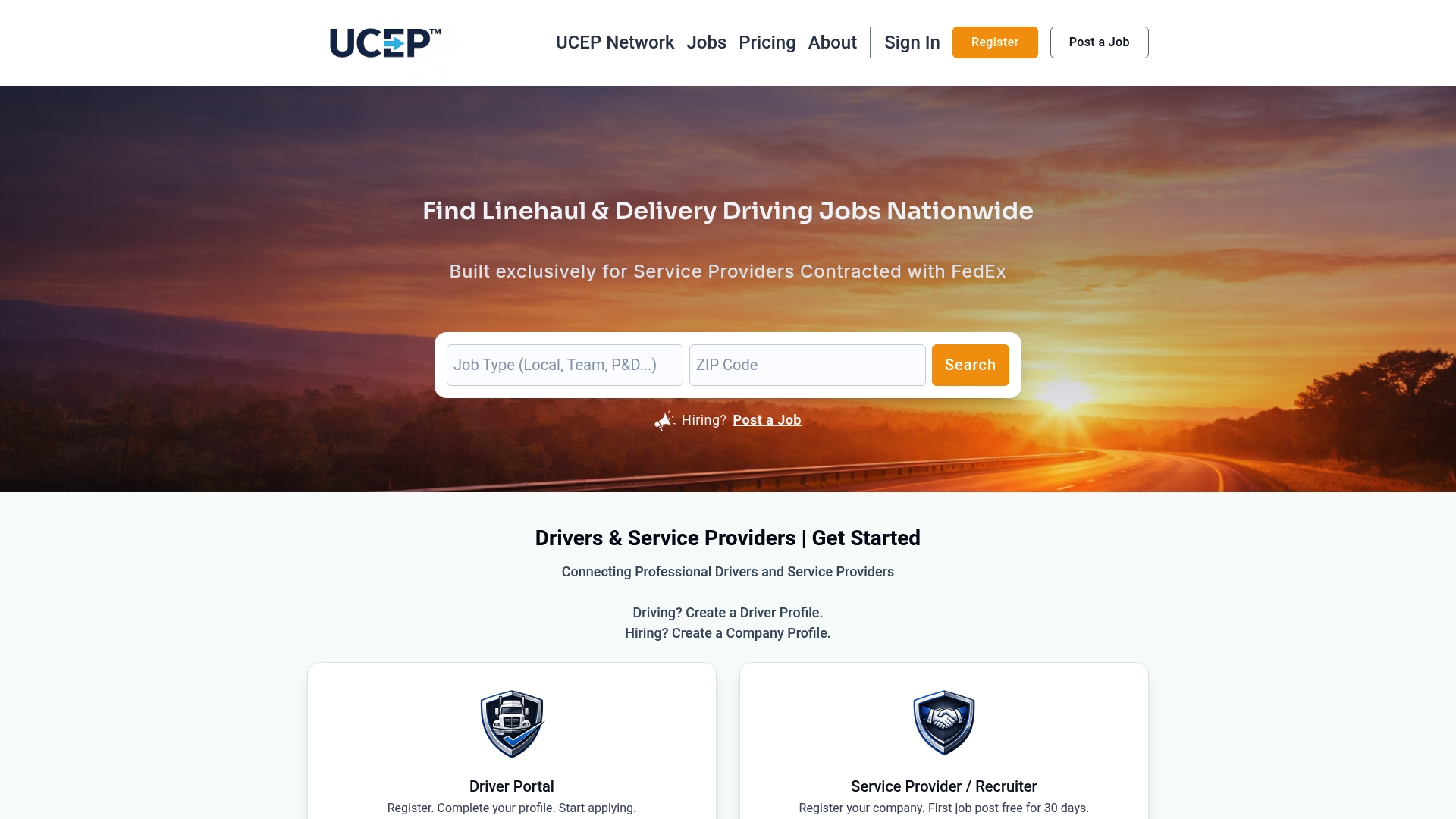
New recruiters can start with a complimentary trial listing. The Standard Monthly Plan is $99 per month. See both on the UCEP pricing page, or browse the current driver job listings to see how roles appear to candidates.
Quick checklist for your hiring file
- Confirm whether any contract includes the FAR E-Verify clause.
- Check the E-Verify rules in each state where you hire.
- Enroll and sign the MOU if required, or if you choose to participate.
- Complete Form I-9 for every new driver and keep it.
- Create an E-Verify case for every new hire by the third business day after the start date.
- Never run E-Verify on applicants, and never run it selectively.
- Document each TNC and follow the contest process.
- Review the process with an employment attorney.
FAQ
Is E-Verify mandatory for trucking companies?
Not by itself. Participation is voluntary for most employers. It is mandatory if you hold a contract with the FAR E-Verify clause or operate in a state that requires it. Check your contracts and state law.
When must I create an E-Verify case for a new driver?
No later than the third business day after the driver starts work for pay. Create the case after Form I-9 is complete, and never during the application stage.
Does E-Verify replace Form I-9?
No. You must still complete and retain Form I-9 for each new employee. E-Verify is an added electronic check that uses the information from that form, including the employee's Social Security number.
What should I do if a driver gets a Tentative Nonconfirmation?
Notify the driver and let the driver choose whether to contest the mismatch. A TNC is not a final result. Do not take adverse action against the driver while the driver is contesting it, and consult an employment attorney if you are unsure.
Can I use E-Verify to screen applicants?
No. Employers may not use E-Verify selectively or to prescreen job applicants. Run cases only for new hires, and run them for all of them.
Sources
- E-Verify and Form I-9 | E-Verify
- E-Verify: The Web-Based Verification Companion to Form I-9 | USCIS
- Does E-Verify replace Form I-9 | E-Verify
- Who is Affected by the E-Verify Federal Contractor Rule | E-Verify
- Federal Contractors Q&As | E-Verify
- Exemptions and Exceptions | E-Verify
- Timeframes for Enrollment and Use | E-Verify
- Mandatory Verification in the States: A Policy Research Report | USCIS
- E-Verify: Widening Use, Lingering Challenges | American Immigration Council
- Verification Process | E-Verify
- Self Assessment Guide for E-Verify Direct Users | E-Verify