
Every compliant driver application form needs eight field groups: personal and contact information, position details, license and endorsement history, driving experience, employment history, accidents and convictions, medical and drug-testing data, and consent with signature. If you're hiring commercial drivers, add the specific items 49 CFR 391.21 requires, including a three-year accident lookback and prior employer verification. Miss one group and you either fail an audit or lose a qualified applicant to a competitor's faster form.
TL;DR:
- Contact license history must include all licenses held in the past three years, including expired or surrendered licenses, as vaguer questions lead to incomplete disclosures.
- Three-year accident and violation records are mandatory, with applicants needing to provide precise month-year entries, not just year ranges, to satisfy FMCSA compliance.
- The most critical fields for hiring decisions involve the number of recent preventable accidents, moving violations, license suspensions, and valid endorsements, which should be scored objectively.
- Structuring the application with repeatable entries, upload requirements after core completion, and mobile-friendly design improves applicant completion rates and compliance quality.
- Proper verification steps include confirming applicant identity, obtaining consents, running required background checks, and maintaining detailed records to withstand audit scrutiny.
Table of Contents
- What Fields Belong on a Driver Application Form?
- What Does 49 CFR 391.21 Actually Require?
- Which Fields Actually Drive Your Hiring Decision?
- Design the Form So Drivers Actually Finish It
- From Submission to Hire: The Verification Sequence
- Standardized Fields Change What Happens During an Audit
- Post Driver Jobs and Track Applicants Without Building Your Own System
- Primary Sources and Regulator References
- Sources
- FAQ
What Fields Belong on a Driver Application Form?
Building the form section by section keeps you from missing a required field or burying applicants in redundant questions. Here's the order that works, from first contact to final signature.
Personal and contact information. Full legal name, current address (with move-in date if under three years), phone, email, date of birth, and Social Security number or the last four digits, depending on your state's rules. Include a right-to-work checkbox, which the FMCSA example form treats as standard.
Position and availability. Position applied for, desired start date, shift or lane preference (local, regional, over-the-road), and a basic eligibility question ("Are you at least 21?" for interstate CDL roles).
License and endorsement block. Current license number, issuing state, class (A, B, or C), endorsements, expiration date, and any licenses held in the past three years. Applicants who've held multiple licenses need a second row here.
Driving experience matrix. Equipment types operated, date ranges, approximate miles, and special endorsements like tanker or hazmat. A simple table format works better than open text.
Employment history. Employer name, address, phone, supervisor, dates (month and year, not just years), and reason for leaving. Ask about military service separately since it often fills employment gaps DOT reviewers flag otherwise.
Accidents and convictions. A three-year lookback question with fields for date, location, and a brief description, plus a note allowing applicants to attach a written explanation for anything they need to clarify.
Medical and drug-testing fields. Medical certificate number and expiration, a drug-screen consent checkbox, and a Clearinghouse query consent for CDL roles.
Uploads and consent. License scan, medical card, relevant certifications, a driving-record release authorization, and a signature block with retention language stating how long you'll keep the file and who can access it.
What Does 49 CFR 391.21 Actually Require?
The FMCSA's example driver employment application lists applicant information, license data, driving experience, a three-year accident record, three years of traffic convictions, and employment history as mandatory sections. 49 CFR 391.21 is the regulation behind all of it, and it's worth reading once even if your form vendor claims compliance out of the box.
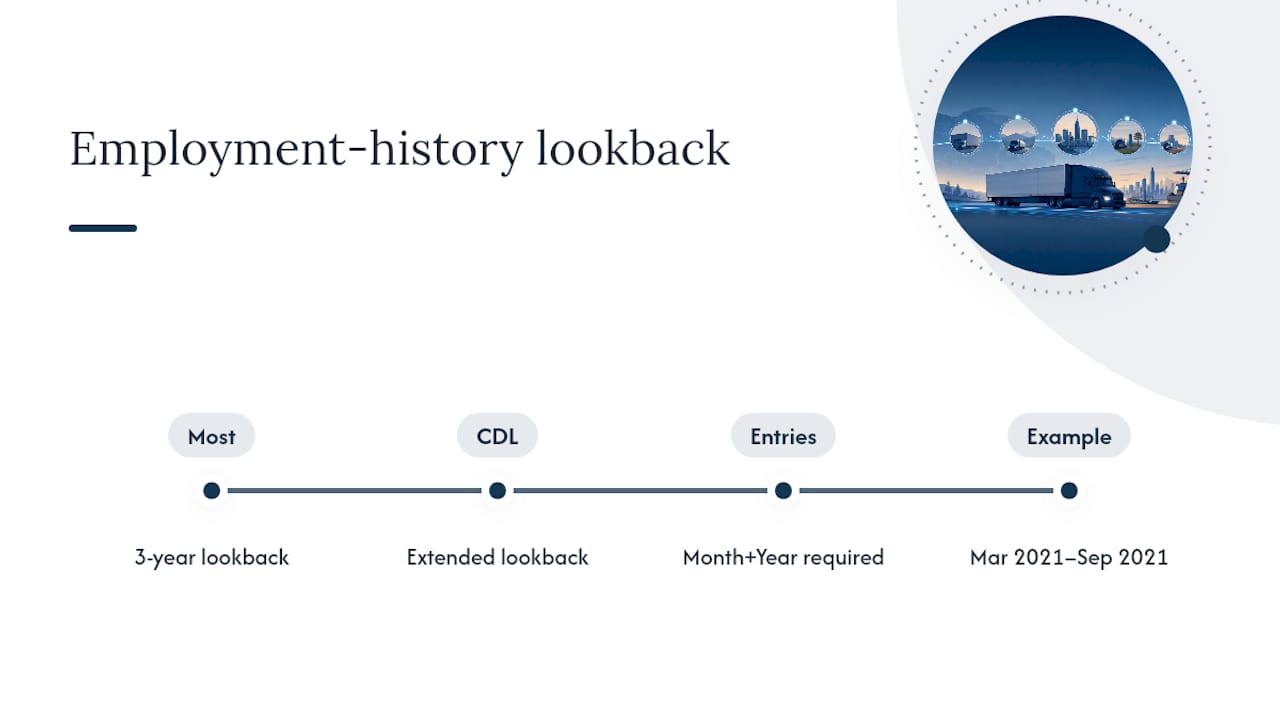
The employment-history lookback runs three years for most driving positions, but extends to a longer period if the applicant operated a commercial motor vehicle requiring a CDL. Collect continuous month-and-year entries rather than year-only ranges. A gap between "2021" and "2023" tells an auditor nothing; a gap between March 2021 and September 2021 demands an explanation you'll want on file before it becomes a problem.
The license-duplication rule trips up more recruiters than any other field. Applicants must disclose every license held in the prior few years, not just their current one. Phrase the question directly: "List all driver's licenses held in the past 3 years, including expired or surrendered licenses." Vague wording like "any other licenses?" produces incomplete answers that surface later during a PSP review.
Which Fields Actually Drive Your Hiring Decision?
Not every field on the form matters equally once you sit down to evaluate an applicant. A handful of specific inputs determine whether someone passes, needs a second look, or gets declined, and structuring those fields as discrete data points, rather than open text, makes your decisions defensible later.
- Number of preventable accidents in the past one to three years.
- Moving violations within the same period, weighted by severity.
- License suspensions or revocations, current or historical.
- Current license status and endorsement validity.
- Consumer-report consent, with pre-adverse and adverse action language if you plan to pull an MVR or PSP report.
A basic pass/review/fail model maps most applicants cleanly: zero preventable accidents and a clean license typically pass, one or two violations trigger manual review, and multiple recent accidents or a suspended license usually fail outright. The specific thresholds are yours to set, but they need to exist in writing before you start scoring anyone.
Pro Tip: Add a short internal field for reviewer name, decision date, and a one-line rationale on every scored application. If a hiring decision ever gets challenged, that audit trail is what protects you.
Design the Form So Drivers Actually Finish It
A form that's compliant but exhausting doesn't help you if half your applicants abandon it halfway through. A few structural choices fix that without cutting required fields.
- Use repeater entries for employment and equipment history so applicants add rows as needed instead of running out of blank lines.
- Require file uploads (PDF or JPG, under 10MB) for license and medical card images, but only after the applicant has committed to the core form.
- Place the e-signature and consent checkboxes at the very end, with one plain sentence explaining why you're collecting the data.
- Design for mobile first. Most drivers are filling this out on a phone, often between routes.
From Submission to Hire: The Verification Sequence
Once an applicant submits the form, the sequence you follow determines how clean your paper trail looks if a hire is ever questioned. Run it in this order:
- Intake and identity check. Confirm name, date of birth, and license number match across all submitted documents.
- Consumer-report consent. Verify the applicant signed the specific authorization required before you pull any background report.
- Order MVR, PSP, and Clearinghouse queries. You need name, date of birth, partial or full Social Security number as your state allows, and state license number to run these.
- Schedule drug testing and medical review. Confirm medical certificate status alongside the drug-screen result.
- Score and document the decision. Record the outcome, the reviewer, and the date.
Keep pre-adverse and adverse action notices on a fixed timeline if a report factors into a rejection, and store every verification artifact in one place tied to the applicant's file, not scattered across email threads.
Standardized Fields Change What Happens During an Audit
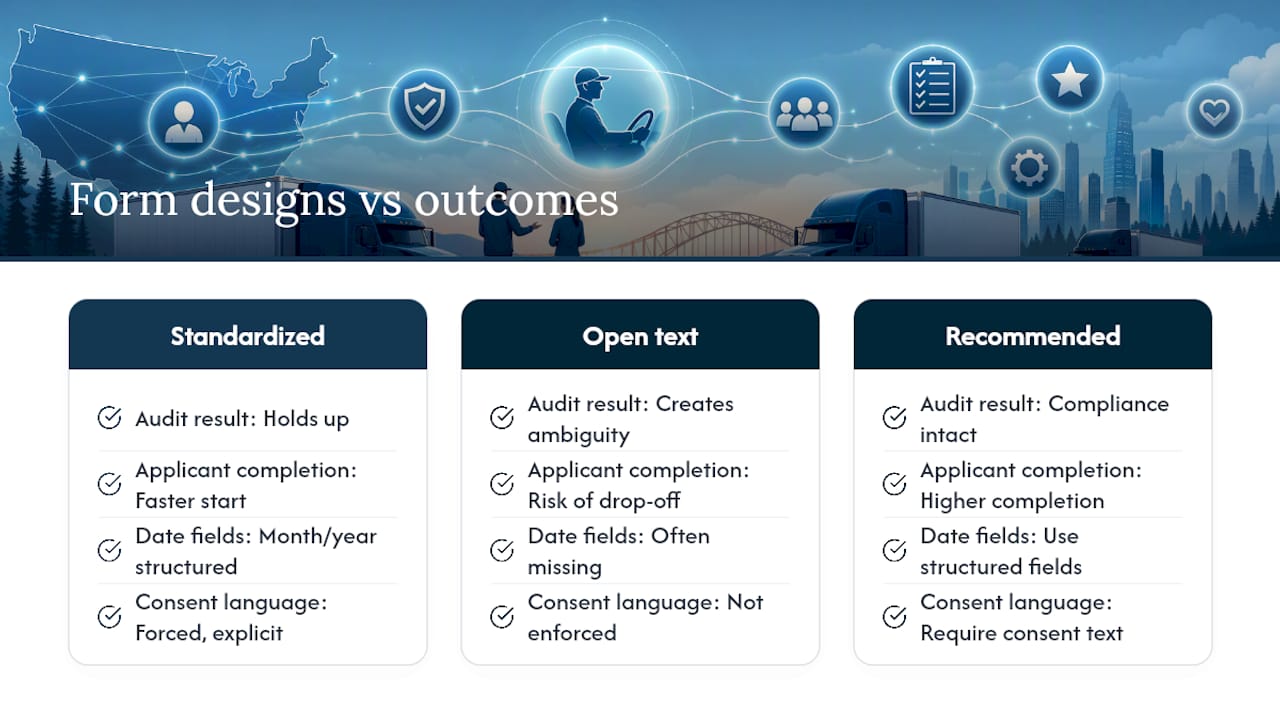
Standardized fields don't just speed up hiring. They change what happens when a regulator or a plaintiff's attorney asks to see your file six months after a hire. Forms with structured month/year entries and forced consent language hold up. Forms with open text boxes and missing dates create exactly the ambiguity an auditor is trained to find.
The trade-off recruiters underestimate is drop-off. A form that demands every document upfront loses applicants who would have finished a shorter version. Lead with the required core fields, collect uploads once the applicant has shown real interest, and you'll keep both your completion rate and your compliance record intact.
— Aaron
Post Driver Jobs and Track Applicants Without Building Your Own System
A job board built specifically for FedEx-contracted Service Providers offers a faster path than building and maintaining a standalone form, with an applicant tracking system designed for essential driver application fields. Instead of managing spreadsheets and email attachments for license scans and consent forms, users can access targeted driver listings for CDL-A team, CDL-A solo, linehaul, and pickup and delivery roles, along with driver reviews that provide context beyond application fields.
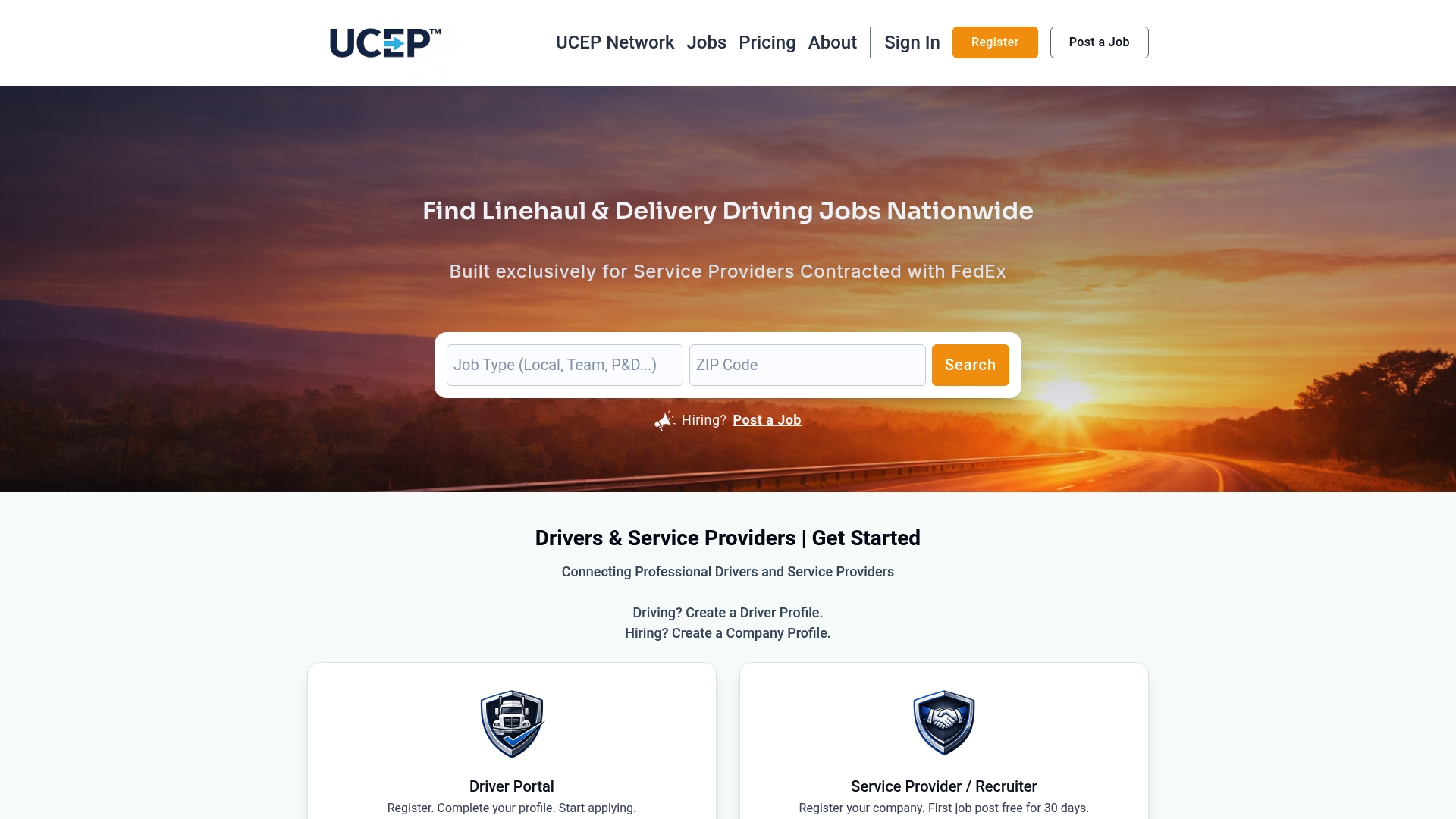
If you're ready to move past a static PDF application, post a driver job through UCEP and see how applicant tracking handles the intake-to-decision workflow for you. You can also browse companies currently hiring to see how listings and applicant flows look in practice before you commit.
Primary Sources and Regulator References
- FMCSA's example driver employment application shows the exact field-level format regulators expect.
- 49 CFR 391.21 is the regulatory text behind every mandatory field.
- J. J. Keller's guidance on MVR and PSP review explains defensible scoring processes.
- Tenstreet's applicant scoring guide covers practical scoring categories.
- Habitual-offender license rules clarify how suspensions should be documented on the form.
Sources
- Driver Employment Application (FMCSA example form)
- 49 CFR 391.21 — Application for employment of drivers (Cornell LII)
- Seven Scores and Four Drivers We Know - Tenstreet
FAQ
What should I include in a driver application letter?
Include your license class, years of driving experience, equipment types you've operated, and a brief note on your safety record. Recruiters scan for these specifics first, so lead with them rather than general statements about work ethic.
What is required on a DOT application?
A DOT-compliant application needs applicant information, license data, a three-year accident record, three years of traffic convictions, and employment history, per 49 CFR 391.21. Commercial roles also require medical certification and drug-testing consent fields.
What is a driver application?
A driver application is the standardized form employers use to collect license, driving history, employment history, and safety records from job applicants before making a hiring decision. For commercial driving roles, it must meet the FMCSA's minimum field requirements.
How do I introduce myself as a driver applicant?
State your license class, endorsements, years of experience, and the equipment types you've run, since these are the fields recruiters check first. A short, specific introduction that matches your application data builds more credibility than a general summary.
Do delivery driver applications need the same fields as CDL applications?
No. Non-CDL delivery roles skip the CDL-specific medical certification and Clearinghouse fields but still need license, driving history, and employment verification. CDL and commercial roles require the full FMCSA field set, including the extended employment lookback.