
A driver availability alert is a recruiter-facing notification that a CDL driver with FedEx experience is now available or matches an open role you posted. When one lands, you have one job: contact the candidate inside your service level agreement and start the eligibility check, including a Clearinghouse query if a CDL or CLP is involved. A platform like Ucep can send that alert directly to your dashboard or inbox.
TL;DR:
- Alerts should specify the exact role type, recent FedEx experience, and availability window to improve response speed and relevance.
- Critical information like CDL class, endorsements, and current application status must be visible instantly to enable quick decision-making.
- High-urgency alerts, such as recent FedEx experience matches, should be delivered via SMS or push notifications, while routine updates go to email or dashboards.
- Matching filters should prioritize primary criteria like FedEx experience and CDL endorsements, categorizing candidates into hot, warm, or watchlist tiers.
- Recruiters must act within set SLAs, run mandatory Clearinghouse queries immediately, and keep candidate data privacy and opt-out options clear and efficient.
Table of Contents
- Why Timely, Role-Specific Alerts Change Your Hiring Numbers
- What Every Alert Should Show You at a Glance
- Getting the Channel, Timing, and Frequency Right
- Building Matching Rules That Actually Filter for Fit
- What to Verify the Moment an Alert Comes In
- Tracking the Numbers That Prove the Alerts Are Working
- Handling Opt-Outs and Candidate Privacy the Right Way
- Training Your Team to Respond, Not Just Receive
- Platform Perspective: What a FedEx-Only Job Board Changes
- Try Driver Availability Alerts Built for FedEx Hiring
- Sources
- FAQ
Why Timely, Role-Specific Alerts Change Your Hiring Numbers
Speed converts. Recruiting research on carrier hiring identifies "uncommitted applicants" as one of the top pain points in the industry, and the fix is consistent, proactive engagement rather than waiting for candidates to follow up. A driver who gets a call within an hour is far less likely to already be talking to three other recruiters by the time you dial.
Generic alerts do the opposite. A notification that just says "new applicant" tells you nothing about whether the person fits your open seat. Role-specific data changes that. A linehaul team position and a pickup-and-delivery route need different qualifications, different schedules, and different urgency levels, so your alerts should say which one you are looking at.
What separates a useful alert from noise:
- It names the exact role type (CDL-A team linehaul, CDL-A solo linehaul, or pickup and delivery)
- It flags recent FedEx-contracted experience, not just general trucking history
- It shows availability window, so you are not chasing someone who cannot start for six weeks
- It arrives fast enough that you are the first call, not the fifth
What Every Alert Should Show You at a Glance
An alert that forces you to click into a full profile before you know whether to bother is an alert that slows you down. The point of status updates for drivers built for FedEx-specific hiring is that you should be able to make a go or no-go decision in seconds, right from the notification.
The minimum fields worth including:
- Candidate name and contact preference
- CDL class and relevant endorsements
- Years of driving experience
- A recent FedEx-experience flag (this one field does more filtering work than almost anything else)
- Availability window and start date
- Terminal or route preference
- Current application status, so you know if this is a fresh lead or someone already mid-process
High-value additions worth building in where your platform supports them: a one-tap apply link (or an IntelliApp-style instant application), a fit or interest score, and a short red-flag summary pulled from the application form fields you already collect.
Pro Tip: Label every field the same way across every alert. "CDL-A" should never show up as "Class A" in one notification and "CDL A" in the next. Consistent labels let you scan a dozen alerts in the time it takes to read one.
Getting the Channel, Timing, and Frequency Right
Not every alert deserves the same delivery method. A hot match, meaning a driver with recent FedEx experience actively looking, needs to interrupt your day. A routine status change does not.
- Send SMS or push notifications for hot matches and time-sensitive availability windows. This mirrors what fleet-focused mobile driver apps already assume: recruiters and drivers alike are on their phones, not sitting at a desktop inbox.
- Route lower-urgency updates, like a candidate moving from "applied" to "reviewed," to email or an in-app dashboard feed instead of a push alert.
- Set send windows around business hours, with a "do not disturb" option for off-hour queues so a 2 a.m. status change doesn't wake anyone up.
- Suppress duplicate alerts for the same candidate across multiple postings, and consolidate minor status changes into a single daily digest.
- Escalate hot matches past the normal queue. If a driver with FedEx linehaul experience applies and matches an open seat, that alert should never sit behind five routine notifications.
Vendors in the space have already built tools around this exact problem. Tenstreet's status-notification feature, for example, pings recruiters when a candidate sits too long in a workflow stage, which is one practical way to avoid sandbagging candidates who are quietly going cold.
Building Matching Rules That Actually Filter for Fit
Precision matters more than volume. Alert precision depends heavily on role-critical filters rather than long lists of resume-parsed keywords, and CDL endorsements, recent FedEx experience, and availability window carry more predictive weight than most secondary details.
A workable structure sorts every match into one of three tiers:
- Hot: Primary fields match exactly (CDL class, endorsements, recent FedEx experience). Contact immediately.
- Warm: Most primary fields match, secondary signals like years of experience or clean driving record are strong. Save to a worklist for same-day follow-up.
- Watchlist: Partial match or missing data. Monitor for status changes rather than acting now.
Avoid stacking heavy pre-screen steps before a candidate ever reaches a recruiter. Experiments on AI-assisted screening found that adding an early 30 to 40 minute assessment step badly hurt candidate completion. Only about a quarter of invited applicants finished it, even though the same AI-assisted screening raised finalist pass rates by 17 to 20 percentage points when candidates did complete it. The lesson for alerts: keep the candidate-facing step short, and let the recruiter carry the verification burden after contact, not before.
Run periodic A/B tests on your matching thresholds. Tightening the "recent FedEx experience" window from two years to one, for instance, will change both your precision and your volume, and you want to see that trade-off in your own numbers before locking in a rule.
What to Verify the Moment an Alert Comes In
An alert that gets you on the phone fast is only half the job. Before you assign any safety-sensitive work, you still have to run the compliance sequence federal rules require.
- Reach out immediately. Call or text within your SLA window while the candidate is still actively looking.
- Run an FMCSA Clearinghouse query. Employers are required to query the Clearinghouse when hiring a new CDL or CLP holder, and annually for any CDL/CLP holder already on staff, according to the Clearinghouse monthly report.
- Check for prohibited or return-to-duty status. If the query returns a prohibited status or an incomplete RTD milestone, pause any operational assignment until the process resolves.
- Schedule medical or drug testing as needed, following the drug testing requirements tied to your hiring workflow.
The Clearinghouse's own monthly data tracks not just prohibited-status counts, but drivers moving through RTD milestones, which is exactly why an alert should surface a status flag and a recommended next step rather than a flat "cleared" or "not cleared" label.
Tracking the Numbers That Prove the Alerts Are Working
Five numbers tell you whether your alert setup is actually earning its place in your workflow: time-to-contact, contact rate, interview rate, conversion-to-hire, and alert precision (the share of alerts that turn into a real conversation).
Run small experiments before overhauling anything. Change one variable at a time, like the wording of your CTA or the threshold for what counts as a "hot" match, and compare results over a two to four week window rather than guessing.
| Metric | What it tells you | Review cadence |
|---|---|---|
| Time-to-contact | How fast recruiters reach candidates after an alert | Weekly |
| Contact rate | Share of alerts that result in an actual conversation | Weekly |
| Interview rate | Share of contacts that convert to a scheduled interview | Biweekly |
| Conversion-to-hire | Share of interviews that result in a hire | Monthly |
| Alert precision | Share of alerts recruiters mark as a genuine fit | Monthly |
Pair this with the broader recruiting metrics tied to retention, since a fast hire that quits in 60 days isn't a win.
Handling Opt-Outs and Candidate Privacy the Right Way
Every alert system built around personal data needs a clean opt-out path, and drivers who ask to stop receiving notifications need that request honored immediately, not after a batch job runs next week.
Build opt-out into the candidate's own control, not something they have to email support to get. A link at the bottom of every SMS or email notification, and a toggle inside their candidate profile, covers most of it. Some drivers want to pause alerts temporarily (they just accepted a role and aren't looking), while others want to opt out permanently. Your system should support both without forcing a full account deletion just to stop notifications.

Privacy discipline matters just as much on your end. Only route sensitive fields, like drug test status or Clearinghouse results, to the recruiters who actually need them for the specific role in front of them. A dispatcher does not need to see a candidate's RTD status; a hiring manager evaluating that candidate does.
Document consent at the point of application. When a driver applies through a platform and agrees to receive alerts about matching roles, that consent should be logged with a timestamp, not assumed. If a candidate later disputes getting contacted, you want a record showing exactly what they agreed to and when.
None of this needs to be complicated. It needs to be consistent: an easy opt-out, tight internal access controls, and a paper trail for consent. Skipping any one of the three turns a helpful notification system into a liability.
Training Your Team to Respond, Not Just Receive
An alert system is only as good as the recruiter who reads it. Notifications that sit unread for six hours defeat the entire point of building a fast-response pipeline in the first place.
Set a hard internal SLA. Many carrier teams target contact within one to two hours of a hot alert during business hours, and if your team is used to next-day callbacks, that shift needs to be trained, not assumed. Walk new recruiters through what a "hot" versus "warm" tag actually means before they touch a live queue, so they aren't guessing which alerts deserve an immediate call.
Script the first contact, loosely. Recruiters who open with a specific detail from the alert itself (recent FedEx linehaul experience, a matching terminal preference) get better response rates than a generic "saw your application" call, because the candidate can tell the recruiter actually looked at their profile.
Review real examples together. Pulling a handful of alerts each week, some that converted and some that didn't, and walking through what the recruiter did differently is more useful than a generic training deck. The common hiring mistakes that stall conversions usually repeat themselves across a team until someone points them out directly.
Make the CTA wording someone's actual job to test. A recruiter who tries "Call now to lock in your route" against "Reply YES to schedule a quick call" for two weeks will learn more about candidate behavior than a quarter of untested assumptions.

Platform Perspective: What a FedEx-Only Job Board Changes
A job board built exclusively around FedEx Service Provider hiring, like Ucep, can tag role types, terminal directories, and FedEx-experience flags natively instead of forcing you to infer them from a generic resume. That specialization is what actually cuts false positives. A general trucking board can tell you someone drove a truck. It usually cannot tell you whether they drove a FedEx linehaul route out of a specific terminal last year.
That distinction is the entire game in this niche. Recruiters aren't short on applicants. They're short on applicants who already understand FedEx's operational rhythm, and an alert system that can't isolate that experience just adds noise to an already crowded queue. The platforms worth using are the ones built narrow on purpose.
— Aaron
Try Driver Availability Alerts Built for FedEx Hiring
Some platforms offer targeted alerts that flag recent FedEx experience and role matches automatically, instead of leaving you to filter a generic applicant pool by hand.
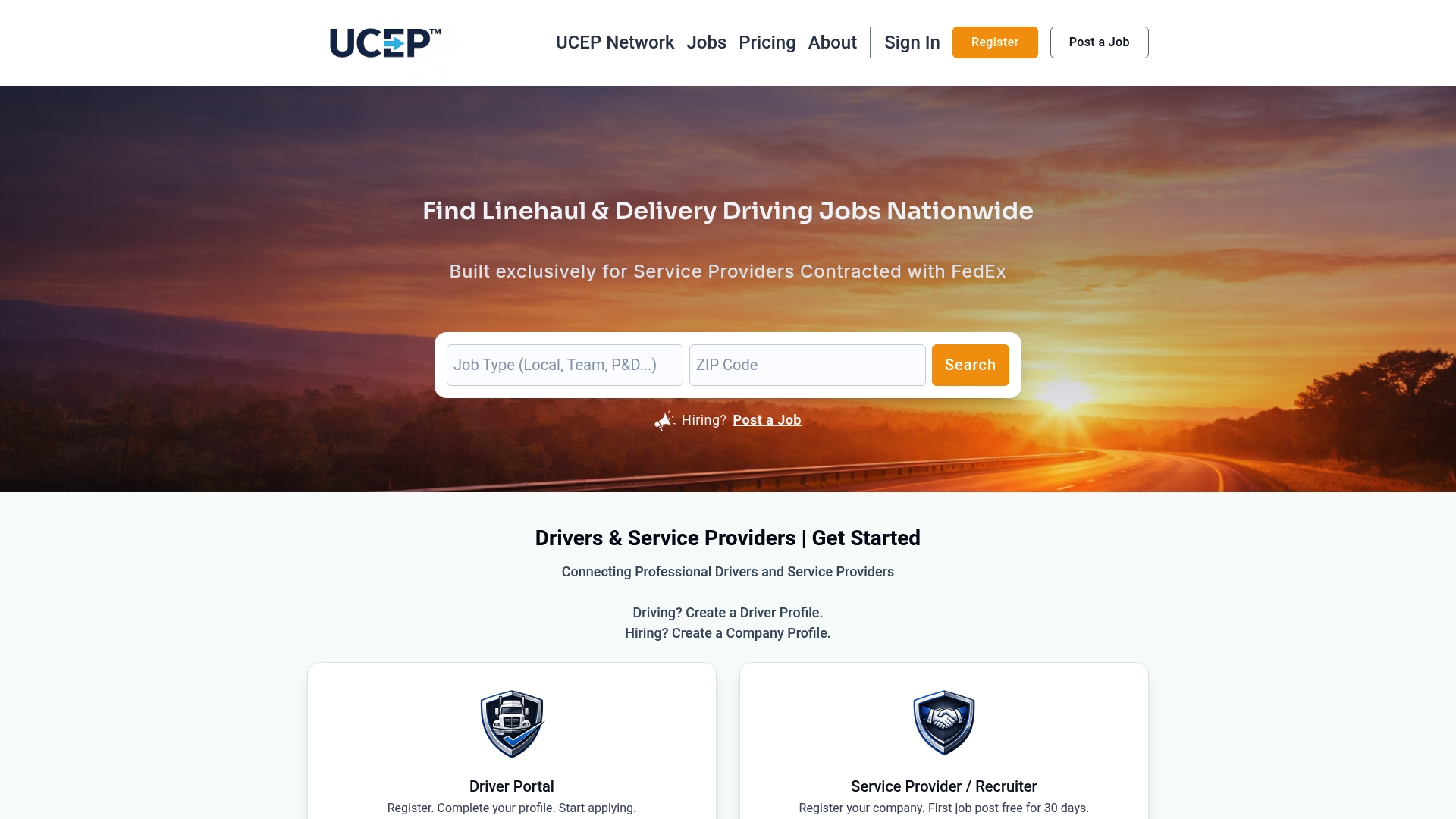
The checklist in this article maps directly onto what the platform already does. Targeted driver alerts surface CDL-A team, CDL-A solo, and pickup-and-delivery matches as they happen. Employer directories and terminal directories give recruiters the FedEx-specific context a generic resume never shows. A built-in applicant tracking system keeps status changes and one-tap applications in one place instead of scattered across email threads.
If you're hiring for open FedEx-related roles right now, browse current driver job listings to see what's active in your region, or check pricing plans, including the complimentary trial listing, to get your first role posted this week.
Sources
- Clearinghouse monthly report — September 2025
- Better Together: Quantifying the benefits of AI-assisted recruitment (working paper)
FAQ
What Are Driver Availability Alerts?
Driver availability alerts are recruiter-facing notifications that fire when a CDL driver becomes available or matches an open role, typically flagging recent FedEx experience, CDL class, and availability window. Platforms like Ucep send these directly to hiring teams so recruiters can contact a candidate before other recruiters do.
How Fast Should Recruiters Respond to a Driver Alert?
Respond within your service level agreement, ideally inside one to two hours during business hours for hot matches. Industry research on carrier hiring identifies slow, reactive engagement as a top cause of lost applicants.
Do Recruiters Need to Run a Clearinghouse Query After Every Alert?
Yes, when a CDL or CLP holder is under consideration for hire. The FMCSA Clearinghouse requires a query for every new CDL/CLP hire and annually for current CDL/CLP employees.
What Does Ucep Cost for Service Providers Posting Jobs?
Ucep offers a complimentary trial listing with no published price, plus a Standard Monthly Plan at $99 per month. Full plan details are available on the pricing page.
Can Drivers Opt Out of Receiving Availability Alerts?
Yes. Drivers should be able to pause or permanently stop alerts directly from their profile or through a link in each notification, and that request should take effect immediately rather than on a delay.