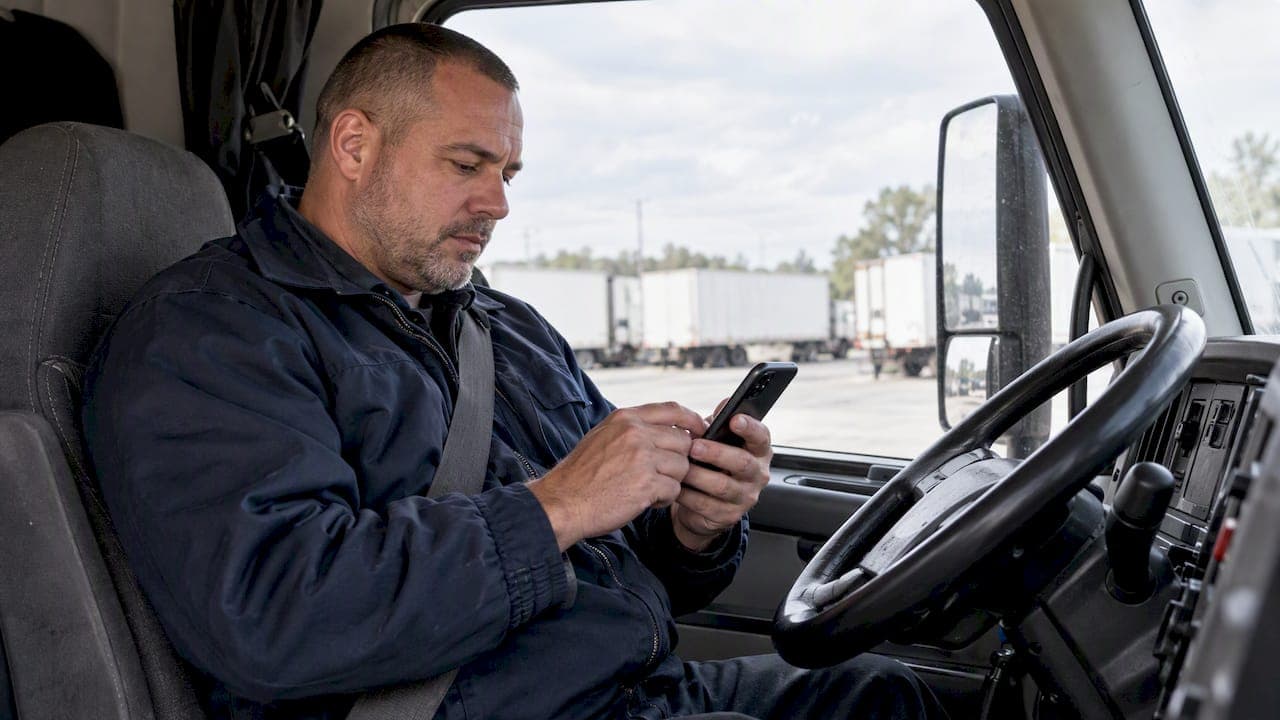
Yes, you can find and apply to FedEx-related driving jobs entirely from your phone. Have your resume, DOT medical card, CDL details, and a note with three years of exact employment dates ready, along with willingness to give Clearinghouse consent, and you can finish most applications in 10 to 15 minutes. Once your files are saved, open a job listing's Apply button and start there.
TL;DR:
- Having exact employment dates, clear document images, and certified medical and CDL details ready on your phone prevents delays and improves your chances of quick review.
- Responding immediately to Clearinghouse consent requests and registering beforehand speeds up the application process and avoids stalling hiring steps.
- Using a simple, properly formatted resume and storing all files in cloud storage minimizes technical errors that cause rejections or reapplications.
- Applying promptly after a job listing posts and tracking your submission status with alerts helps you secure roles before the competition.
- Ensuring that all documents are accurate, high-quality, and correctly formatted addresses the most common errors that lead to mobile application delays.
Table of Contents
- Mobile application quick checklist: what to gather on your phone first
- Prepare your mobile resume and attachments for FedEx-related roles
- Step-by-step mobile application workflow, from find to submit
- Clearinghouse and FMCSA compliance checks you can handle from your phone
- Common mobile-application mistakes and quick fixes
- Why mobile readiness speeds up FedEx-related hiring
- How UCEP helps you apply for FedEx-related driving jobs from your phone
- FAQ
- Sources
Mobile application quick checklist: what to gather on your phone first
Before you tap Apply on any listing, spend five minutes loading your phone with the right files. This prevents the stop-and-start experience that causes most mobile applications to get abandoned halfway through.
Save these items to your phone before you begin:
- Resume saved as both PDF and Word, named clearly (for example, "LastName_Resume_2026")
- DOT medical card photographed or scanned as a clean, readable file, per our medical exam requirements checklist
- CDL number, class, and endorsements typed into a notes app for quick copy-paste
- A phone note listing exact month and year for every employer over the past three years
- Contact details for previous supervisors or dispatch, if the posting asks for references
For the employment-history note, write ranges like "March 2023 to July 2025" rather than vague estimates. Employers cross-check these against manual inquiries, so consistency matters more than it seems.
Pro Tip: Create one folder in your phone's file app called "Driver Applications" and keep every document in it, so you never have to search through your camera roll mid-application.
Prepare your mobile resume and attachments for FedEx-related roles
A resume that looks fine on a laptop can still fail on mobile if the formatting breaks during upload. Keep your resume simple: job titles, employment dates, equipment type (CDL-A solo, team, or linehaul), and a few bullets on safety record and compliance history.
A few formatting habits help on mobile specifically:
- Save your resume as both PDF and Word, since some application forms accept one but not the other
- Paste text directly into form fields when the option exists, instead of relying on the system to pull it from an attachment
- Photograph your DOT medical card in good light, flat on a table, and crop out everything but the card itself
- Store everything in Google Drive or iCloud rather than only on your device, so a dead battery or a swapped phone doesn't cost you your files
Clear document images matter as much as resume wording. A blurry or shadowed photo of a certificate often gets flagged for re-submission, which adds days to a process that mobile applying is supposed to shorten.
Step-by-step mobile application workflow, from find to submit
Once your files are ready, the actual mobile application follows a predictable sequence.
- Find the listing. Search FedEx-related roles using filters on a platform like UCEP's job search, or check an employer's mobile site directly. Read the posting's instructions fully before tapping Apply, since CareerOneStop notes that applying quickly and following instructions exactly improves your chances of early review.
- Fill in the fields. Use your saved employment-history note to enter dates accurately rather than typing from memory.
- Attach your documents. Upload your resume, medical card, and any requested certifications from the folder you set up ahead of time.
- Preview before submitting. Scroll through every field on the confirmation screen. A missing digit in a date or a dropped attachment is easier to fix before submission than after.
- Respond to Clearinghouse consent requests promptly. If the employer's system prompts you for electronic consent, complete it immediately rather than closing the tab to "do it later."
- Submit and confirm. After submitting, take a screenshot of the confirmation screen and save any confirmation email to the same folder as your documents.
Pro Tip: Set a reminder on your phone for five business days after you submit, so you have a clear point to follow up if you haven't heard back.
Clearinghouse and FMCSA compliance checks you can handle from your phone
FedEx-related driving roles come with federal compliance steps that happen alongside the application itself, not after it. FMCSA requires drivers to register in the Drug and Alcohol Clearinghouse to provide the electronic consent employers need before running pre-employment queries. If you haven't registered yet, do it on your phone before you start applying, since a delayed consent can stall an otherwise complete application.
Employers are required to query the Clearinghouse before letting you operate a commercial motor vehicle, so expect a consent request soon after you apply. Respond to it right away.
Beyond Clearinghouse consent, employers build a driver qualification file that typically includes:
- Your completed application for employment
- A medical examiner's certificate
- Records of inquiries to previous employers covering the past three years
FMCSA's guidance on driver qualification files confirms these items as standard requirements, and our CDL drug testing requirements guide covers the consent process in more detail.
Keep a screenshot of every Clearinghouse consent and query confirmation in your documents folder. It's a quick way to prove you responded on time if a hiring timeline gets disputed later.
Common mobile-application mistakes and quick fixes
Most mobile application delays trace back to the same handful of errors, and all of them are fixable before you hit submit.
- Inconsistent employment dates: keep your phone note with exact month and year ranges handy and copy from it every time.
- Poor-quality document images: use a scanning app rather than a plain camera shot, and preview the PDF before attaching it.
- Ignoring Clearinghouse requests: register and respond to consent prompts the same day you receive them.
- Wrong file types or oversized uploads: convert images to PDF and compress large files before attaching, since many forms reject files over a certain size.
A scanning app used well often solves the image-quality problem entirely, and tools covered in this guide to mobile apps for truck drivers can help convert phone photos into clean, uploadable PDFs.
Why mobile readiness speeds up FedEx-related hiring

Driving roles tied to FedEx's delivery network tend to fill fast, and the applications that get reviewed first are usually the ones submitted complete and error-free. A driver who has documents staged and ready on their phone can apply within minutes of a listing going live, while one scrambling to find a scanned medical card loses that window.
We built our platform specifically around Service Provider driving roles, with mobile-friendly listings designed so drivers can move from search to submission without switching devices. Setting up a profile and mobile job alerts early means you're ready the moment a relevant role posts.
— Aaron
How UCEP helps you apply for FedEx-related driving jobs from your phone
We focus exclusively on driving roles tied to Service Providers, which means you're not sorting through unrelated listings on a small screen. Our mobile experience is built around the workflow drivers actually use: search, attach, submit, track.
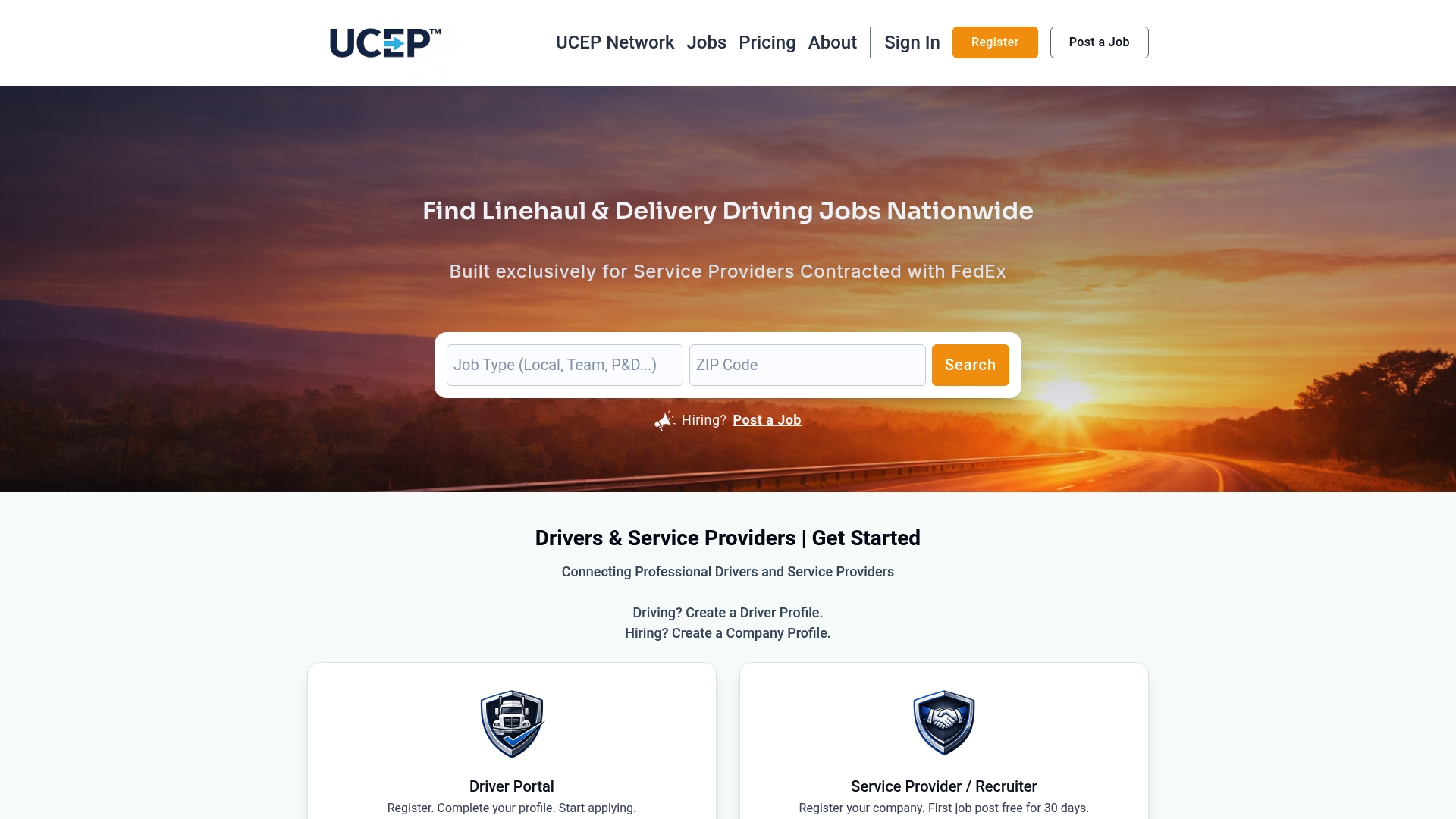
On mobile, our platform lets you:
- Search CDL-A solo, CDL-A team, linehaul, and pickup and delivery roles by filter
- Save your resume and documents to a profile so you're not re-uploading them for every application
- Set alerts for new listings matching your role and location
- Track the status of applications you've already submitted
Browse current openings on our job search page, and if you're a Service Provider looking to post a role instead, check our pricing plans, including a Complimentary Trial Listing or our Standard Monthly Plan at $99 per month.
FAQ
Can you complete a full driver application using only a smartphone?
Yes, a full application including document uploads and Clearinghouse consent can typically be completed on a smartphone if your files are prepared in advance. Having your resume, medical card, and employment-history note ready before you start is what makes the mobile process fast.
Do I need to register with the FMCSA Clearinghouse before applying?
You need to register in the Clearinghouse to give electronic consent for the pre-employment queries employers are required to run. It's worth completing this registration on your phone before you start submitting applications, since a pending consent can delay hiring.
What documents does an employer need for my driver qualification file?
Employers maintain a driver qualification file that includes your completed application, a medical examiner's certificate, and employment inquiries covering the past three years. Having these ready as clean mobile files speeds up that process considerably.
Why does my mobile application keep getting flagged or delayed?
The most common causes are inconsistent employment dates, blurry document photos, or unanswered Clearinghouse consent requests. Keeping a phone note with exact employment dates and using a scanning app for document images resolves most of these issues before they start.
Where can I find FedEx-related driving jobs to apply to on mobile?
Our job search page lists CDL-A solo, CDL-A team, linehaul, and pickup and delivery roles tied to FedEx Service Providers, filterable by role and location. It's built for mobile browsing, so you can search and apply from the same screen.